Screen privacy, practically
The Blurr.ing blog
What screen sharing exposes and how to hide it, checked against the meeting apps' own documentation, including what each fix cannot do.
More articles
Newest first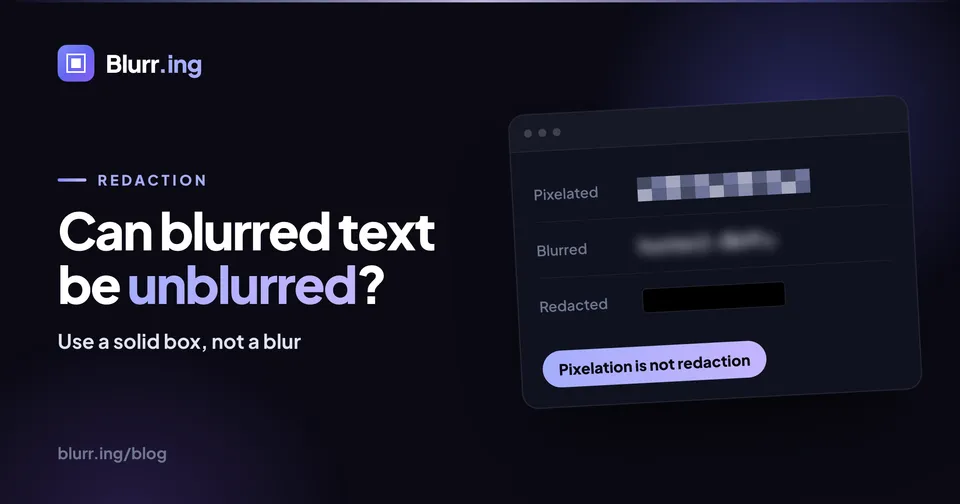 Redaction 9 min read Can blurred text be unblurred? When it can, and how to redact safely Blur and pixelation only reduce information, and researchers and open-source tools have rebuilt text from both. What the evidence shows, the conditions recovery needs, why a live-page blur is a different thing again, and the redaction routine that leaves nothing behind.
Read article
Redaction 9 min read Can blurred text be unblurred? When it can, and how to redact safely Blur and pixelation only reduce information, and researchers and open-source tools have rebuilt text from both. What the evidence shows, the conditions recovery needs, why a live-page blur is a different thing again, and the redaction routine that leaves nothing behind.
Read article
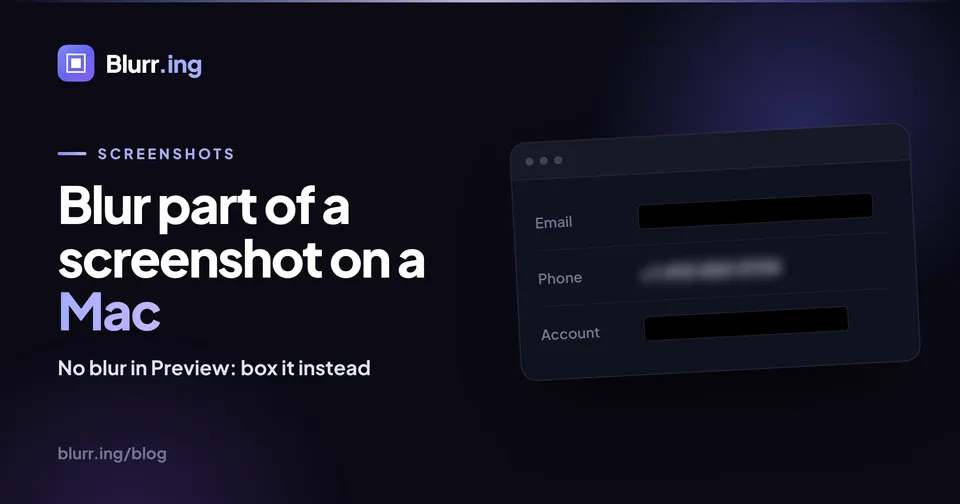 Screenshots 7 min read How to blur part of a screenshot on a Mac macOS has no blur or pixelate tool, in Preview or anywhere else. What works instead: an opaque Markup box saved as PNG, Photos Clean Up for faces, a free in-browser blur for everything else, and why a black rectangle on a PDF is not a redaction.
Read article
Screenshots 7 min read How to blur part of a screenshot on a Mac macOS has no blur or pixelate tool, in Preview or anywhere else. What works instead: an opaque Markup box saved as PNG, Photos Clean Up for faces, a free in-browser blur for everything else, and why a black rectangle on a PDF is not a redaction.
Read article
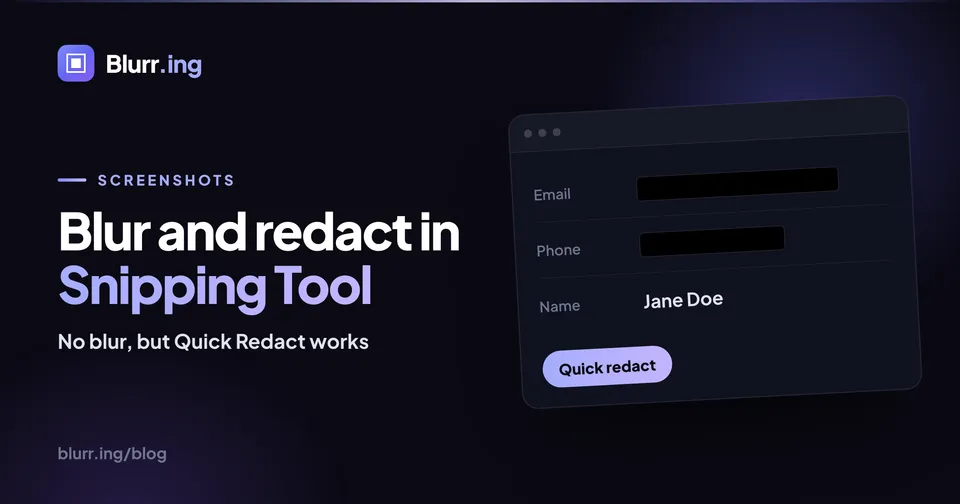 Screenshots 8 min read How to blur or redact a screenshot in Snipping Tool Windows Snipping Tool cannot blur or pixelate, but since 2023 it can redact: Quick Redact blacks out emails and phone numbers, and Redact text covers anything else the OCR reads. What it misses, why the highlighter is not a redaction, and the unredacted original it quietly saves to Pictures\Screenshots.
Read article
Screenshots 8 min read How to blur or redact a screenshot in Snipping Tool Windows Snipping Tool cannot blur or pixelate, but since 2023 it can redact: Quick Redact blacks out emails and phone numbers, and Redact text covers anything else the OCR reads. What it misses, why the highlighter is not a redaction, and the unredacted original it quietly saves to Pictures\Screenshots.
Read article
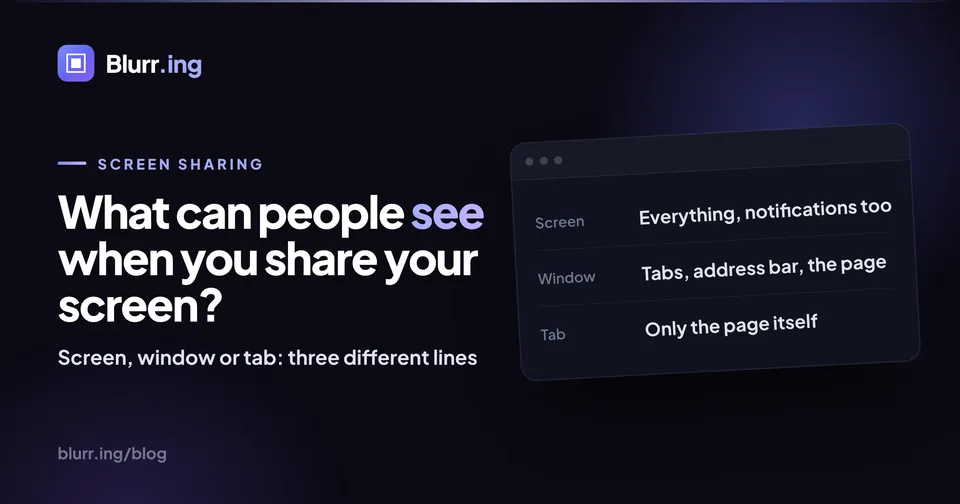 Screen sharing 9 min read What can people see when you share your screen? Entire screen, one window, or one browser tab: each mode draws a different line around what viewers can watch. Where notifications, autofill dropdowns, tab titles and your cursor land on each side of that line in Zoom, Google Meet, and Microsoft Teams.
Read article
Screen sharing 9 min read What can people see when you share your screen? Entire screen, one window, or one browser tab: each mode draws a different line around what viewers can watch. Where notifications, autofill dropdowns, tab titles and your cursor land on each side of that line in Zoom, Google Meet, and Microsoft Teams.
Read article
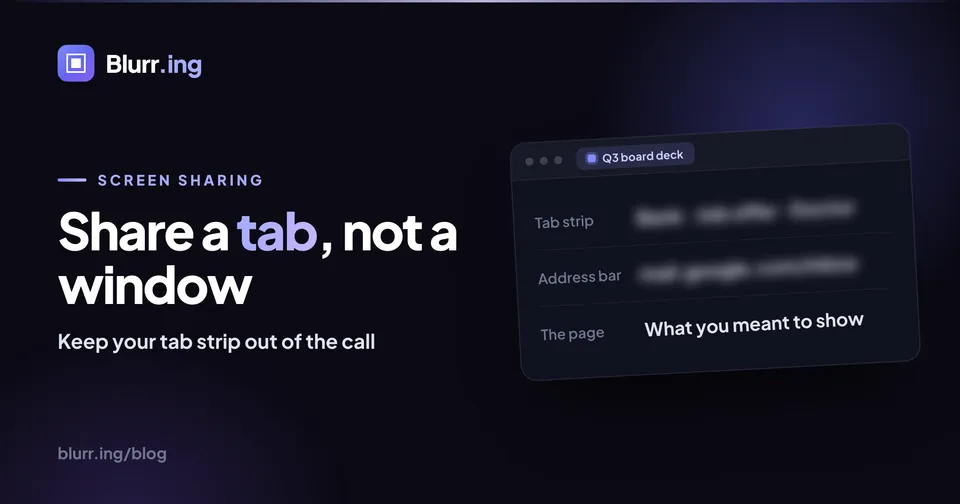 Screen sharing 8 min read Share a tab, not a window: how to do it in Meet, Zoom and Teams Tab sharing keeps your address bar, bookmarks, tab strip, notifications and every other window out of the meeting. Where the option lives in Google Meet, Zoom, and Microsoft Teams, what it cannot protect, and what to do when you have to share a window.
Read article
Screen sharing 8 min read Share a tab, not a window: how to do it in Meet, Zoom and Teams Tab sharing keeps your address bar, bookmarks, tab strip, notifications and every other window out of the meeting. Where the option lives in Google Meet, Zoom, and Microsoft Teams, what it cannot protect, and what to do when you have to share a window.
Read article
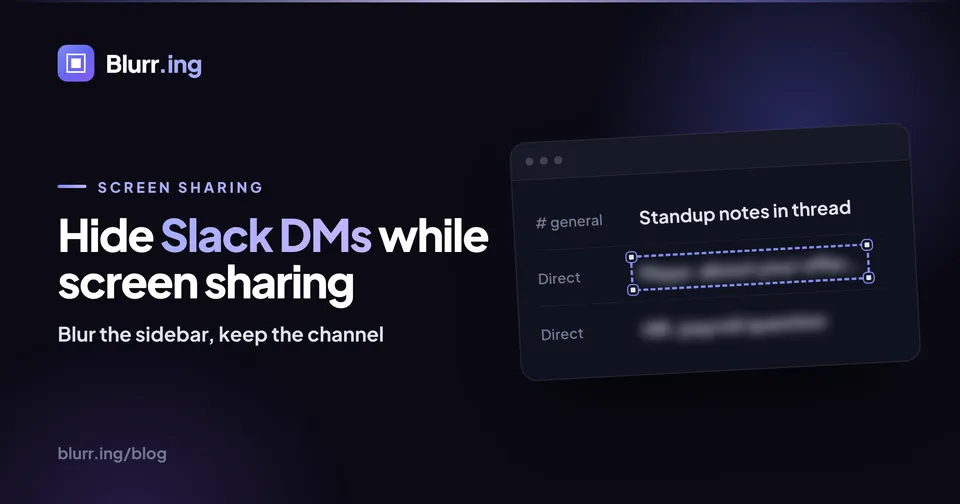 Screen sharing 8 min read Hide Slack DMs and channels when you share your screen Slack will not hide your sidebar for you: no setting masks DM names or channel names while you present. The options, ranked: share one tab, blur the sidebar in browser Slack, pause notifications with /dnd, and keep a demo workspace for everything else.
Read article
Screen sharing 8 min read Hide Slack DMs and channels when you share your screen Slack will not hide your sidebar for you: no setting masks DM names or channel names while you present. The options, ranked: share one tab, blur the sidebar in browser Slack, pause notifications with /dnd, and keep a demo workspace for everything else.
Read article
Start here
The evergreen guides
The reference pages behind these articles: the blur gestures, the pre-meeting checklist, and the feature deep dives.
Free tool: redact an image
Black out, blur or pixelate any part of a screenshot in your browser. Nothing is uploaded.
Free tool: screenshot background
Add a gradient, padding, rounded corners, a shadow and a window frame to any screenshot.
How to blur part of a web page
Draw a box, click an element, or select text. The three free gestures, from install to hidden.
How to redact a screenshot
Bake the blur into the page before you capture, so no original data hides in the file.
Screen-share privacy checklist
The full pre-meeting routine in checkbox form: mode, notifications, tabs, and blurs.
Hide tab titles while sharing
Tab Privacy masks every tab title and favicon behind one of 17 disguise styles.
Blur for screen sharing
Hide salaries, customer data and dashboards live on Zoom, Google Meet, or Teams.
Who writes this
Artyom Shimanski
Founder, Blurr.ing
I am a software developer, and I build Blurr.ing along with the Post Formatter family of small web tools. I write about screen privacy: what sharing your screen exposes, and how to hide what should stay private.